For this walk through, I’ll be discussing how I solved Noob from VulnHub. Overall, this is a great box to start with if you’re new to boot2root type challenges.
After booting Noob in VMWare Workstation, I used netdiscover to discover that it was assigned 10.10.10.151.
Next, I ran an nmap scan using the following flags
- -sV for service versioning
- -sC for basic nmap script enumeration
- -p- to scan all ports
- -T4 – timing, level 4
Results are shown below.
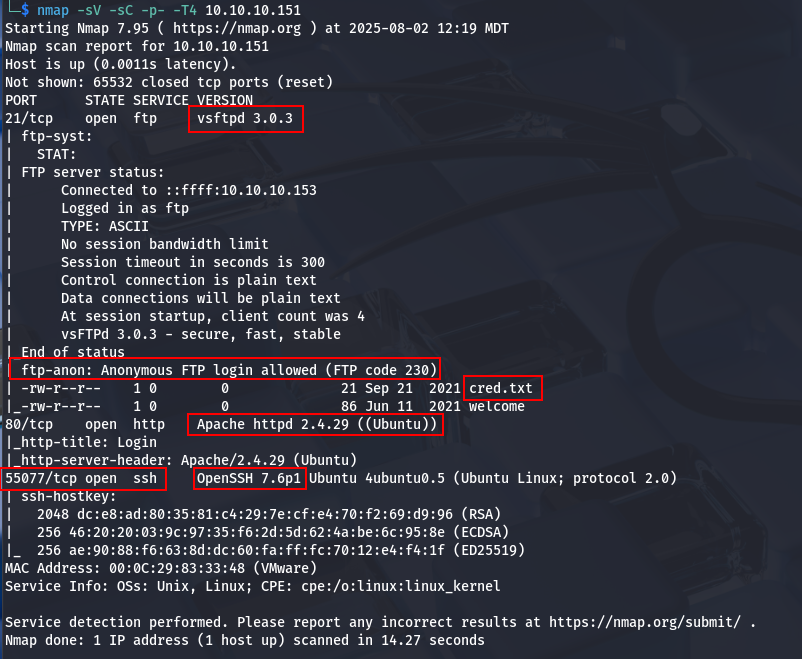
Some interesting things to note:
- 21/tcp – running vsftpd 3.0.3
- Also appears to be Anonymous FTP with some interesting files exposed.
- 80/tcp – running Apache httpd 2.4.29
- SSH running on a non-standard port – 55077/tcp.
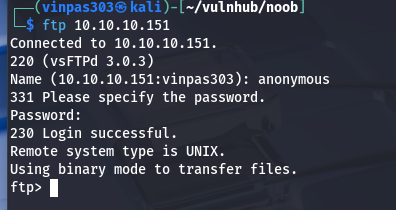
Let’s take a look at the open FTP service. When attempting to login using a username of anonymous and a blank password, we’re able to confirm that Anonymous FTP is in fact enabled.
Listing the files, we can see the two files nmap found during our initial port scan.
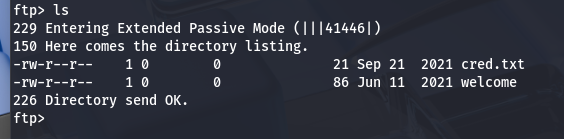
I then download each file using the ftp get command.
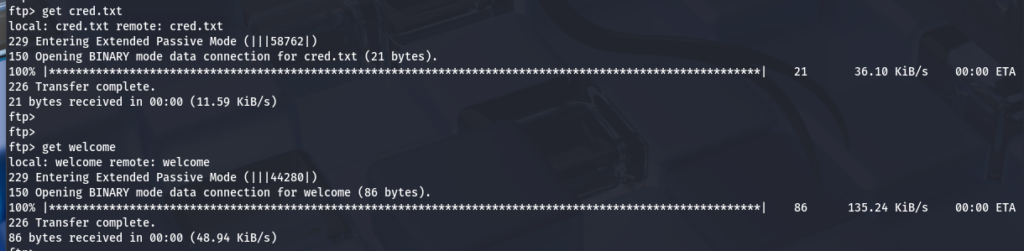
When viewing each of the downloaded files, cred.txt is definitely the more interesting of the two.
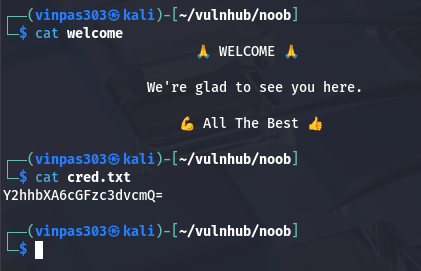
The equal sign at the end suggests that it may be base64 encoded, but let’s confirm. I ran base64 -d against the cred.txt file and it successfully decodes.
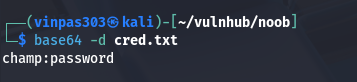
These look like credentials of some sort, so I saved those for later.
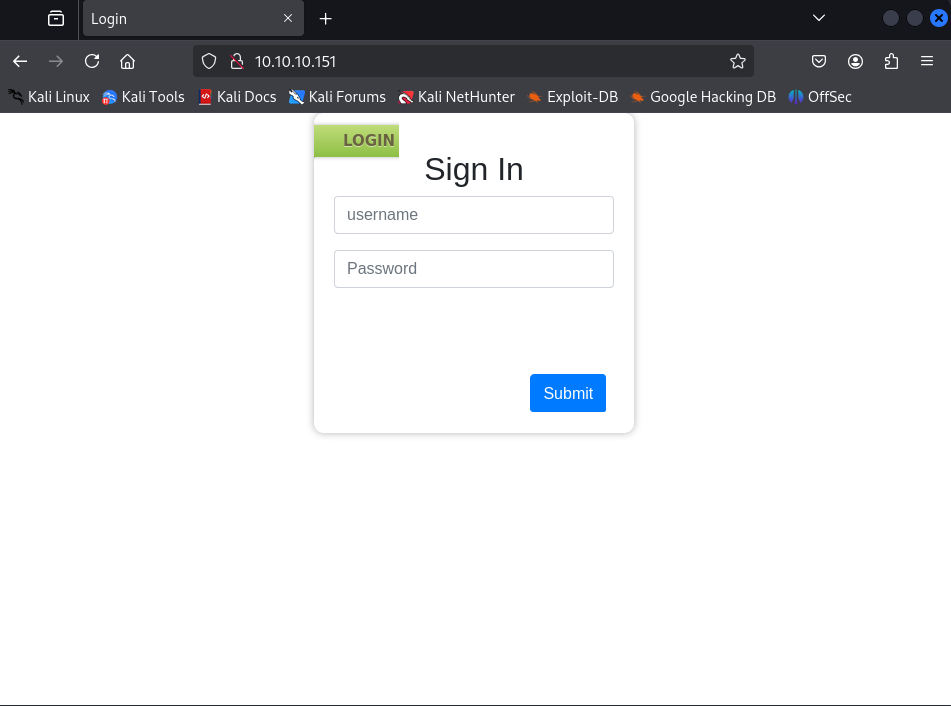
The nmap results also showed that port 80/tcp was also open. Navigating to that port with a browser shows a login page.
Initial Access
Here, I used the credentials we found earlier.
user: champ
pass: password
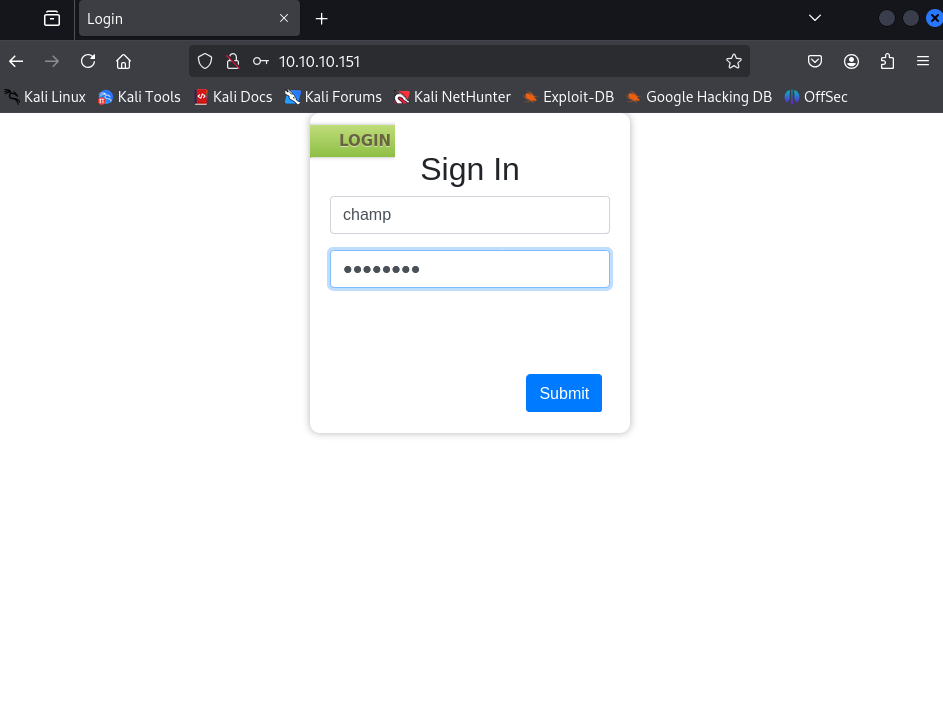
This gave me initial access into the application!
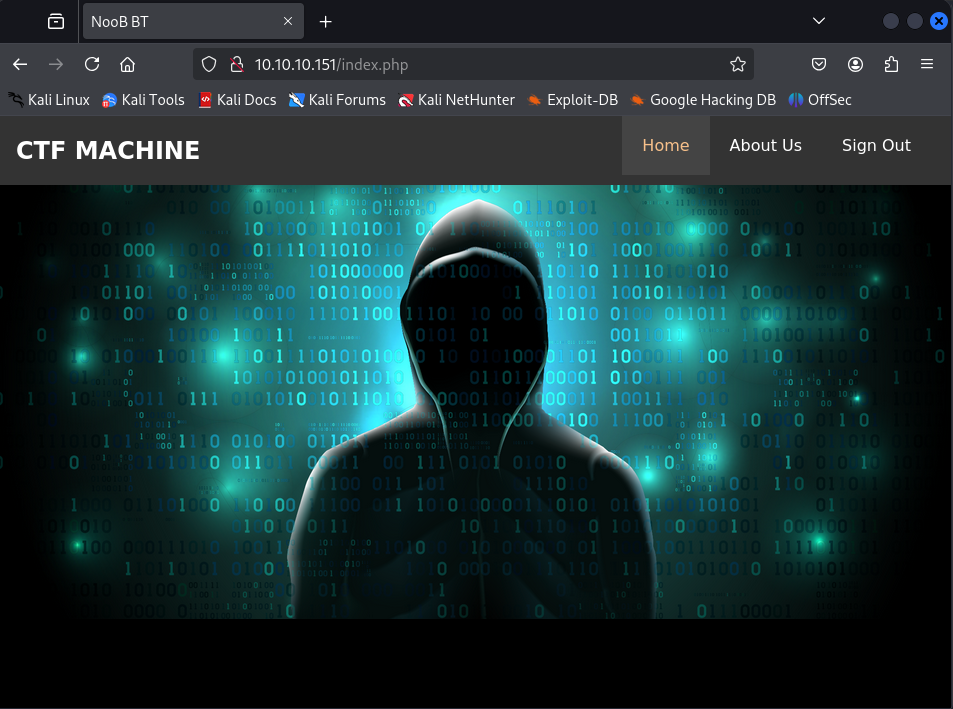
Clicking around the page, there doesn’t seem to be much to interact with. There’s a home link, an “About Us” button, and a Sign Out button. Right-clicking and viewing the page source does not seem to be allowed.
However, clicking on “About Us”, I discoverd a RAR file called “downloads.rar”.
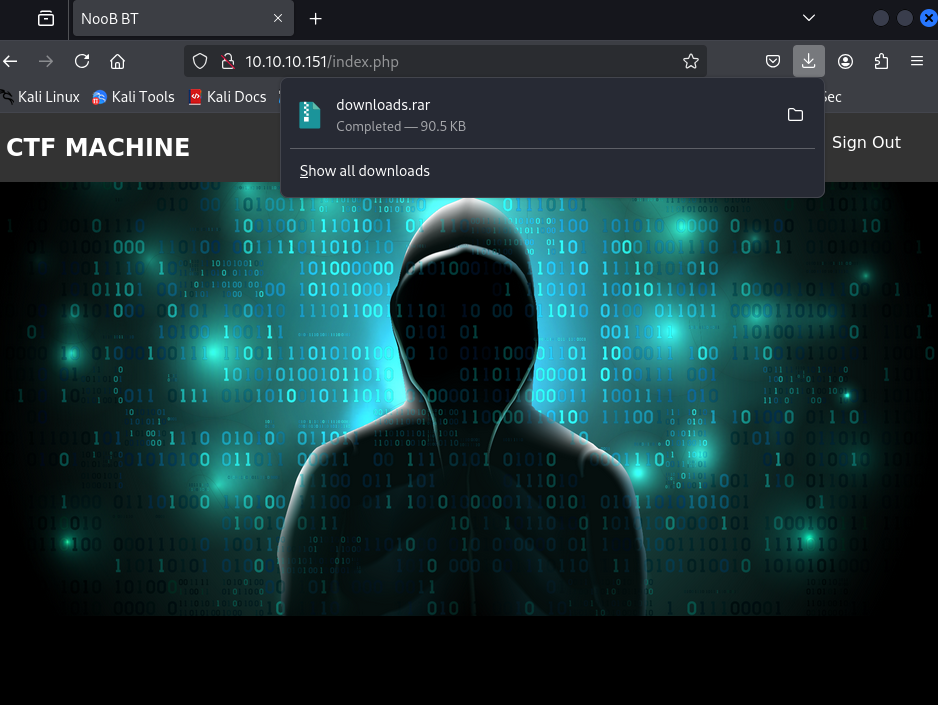
Unpacking the RAR file, there was a total of 3 files: 2 image files and a text file. The text file looks to be a hint.
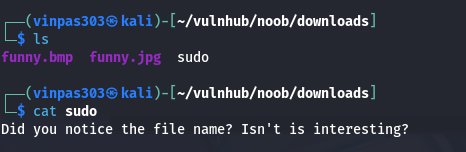
My first thought was to check the exif data on the image files, but that turned up nothing terribly useful.
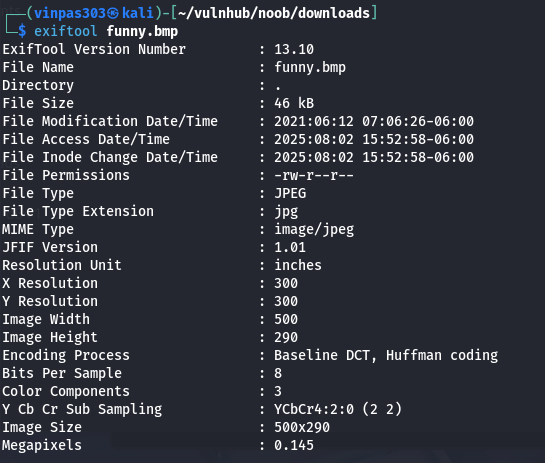
In discussing with a colleague, he suggested checking for steganography. For that, I used steghide.
Using the –info option on the two image files, I uncovered the following:
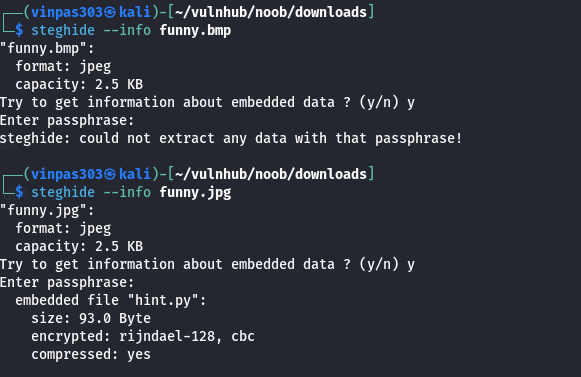
There seems to be a python file hidden in funny.jpg. Nothing was immediately visible for funny.bmp however.
Using the extract option for steghide, we were able to extract hint.py from funny.jpg when using a blank password.
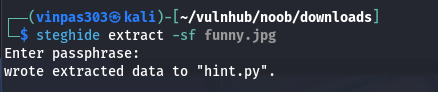

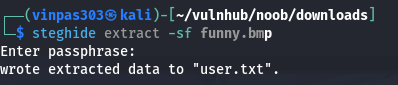
At first, the hint didn’t look like much of a hint to me. I tried manually brute forcing some common password potentials, like “password”, “funny”, “hint”, and a few others, but with no success. Then, I reread the hint again and remembered the earlier file “sudo”. I tried that as a password and a new file was extracted!
Gaining User Access
Opening the file, I found the following:

I suspected this was a ROT13 cipher, so I decided to try running it through CyberChef. I selected the ROT13 recipe, entered the text, and found what looks to be another set of credentials.
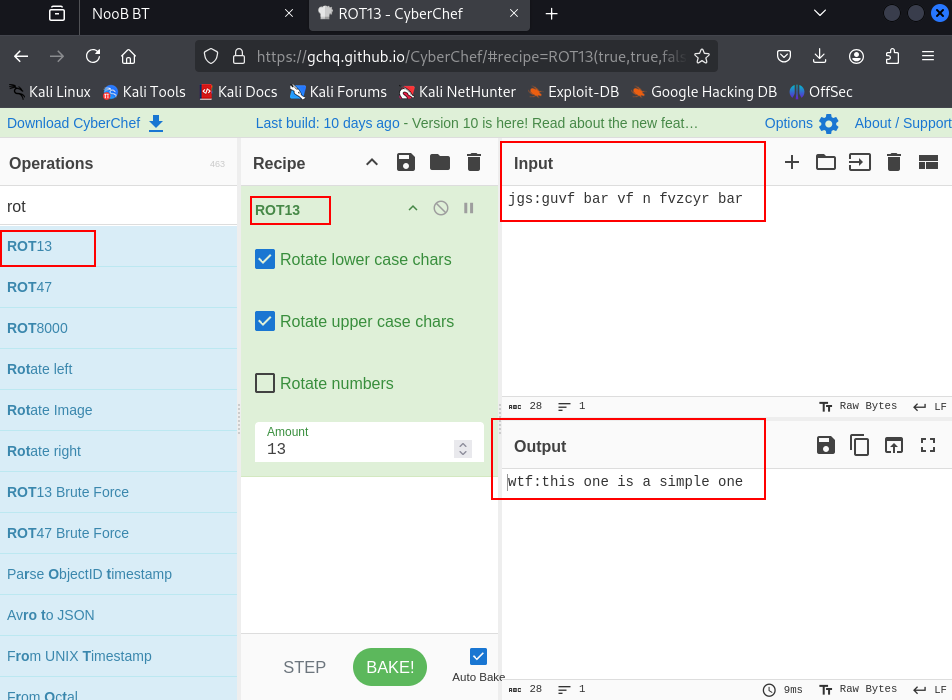
Next, I ssh’ed to port 55077, using “wtf” as the username and “this is a simple one” as the password.

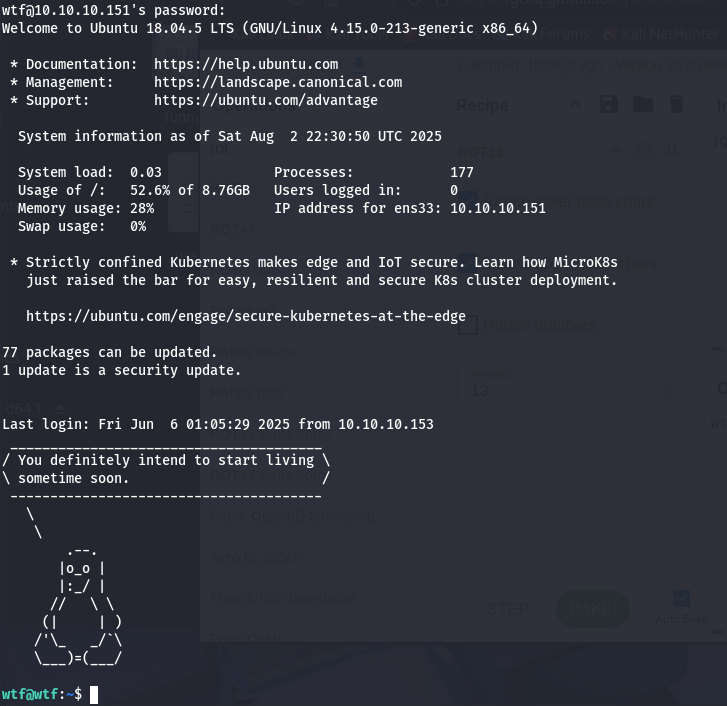
Nice!
Gaining Root
Next, I checked the sudo permissions for the wtf user. After providing the password, I could see the user had extensive sudo permissions. Basically, the user can run any command with elevated privileges as sudo.

From here, elevating to root was simple by using the command “sudo su -“
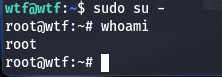
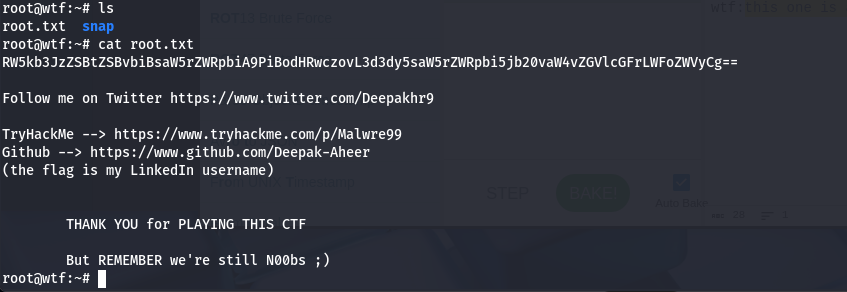
Now as root, I am able to view the root flag, root.txt